Confirmation
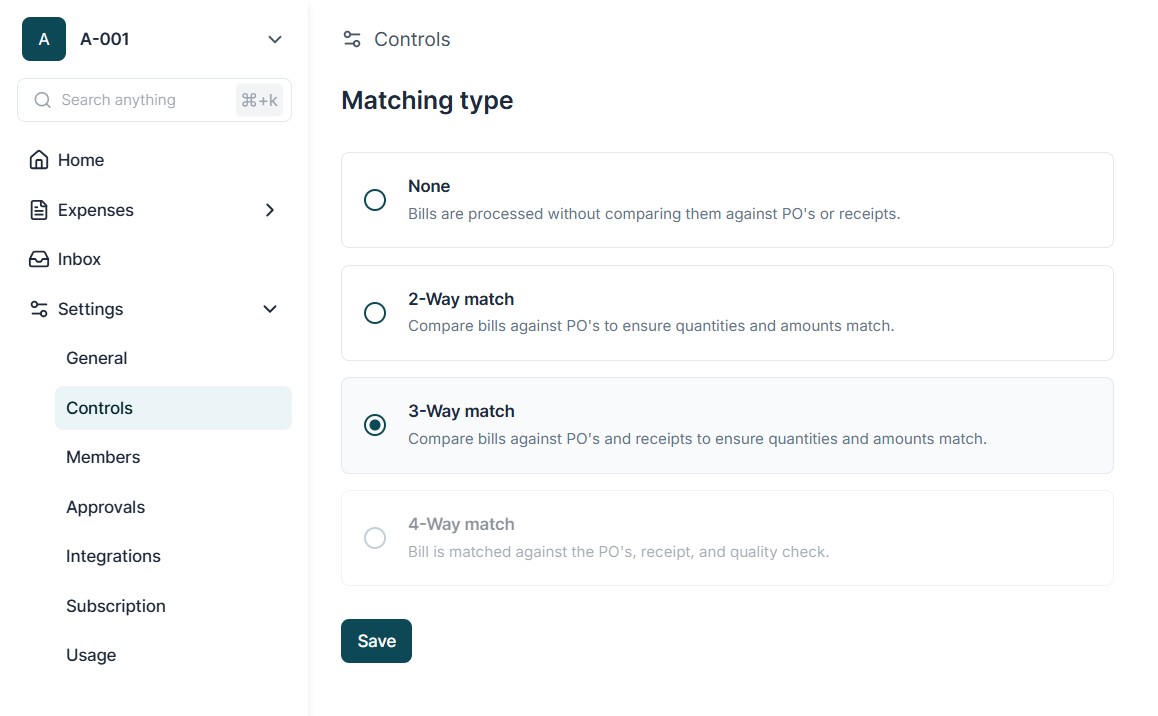
Goods confirmation is an essential step in the 3 - Way Matching process and helps ensure that the goods received match the Purchase Order (PO) and the invoice. This feature is enabled only when 3-Way Matching is turned on under Settings > Controls.
How Goods Confirmation Works
Enable 3-Way Matching
Go to Settings → Controls and activate the 3 - Way Matching option. This will allow
members to request goods confirmation.
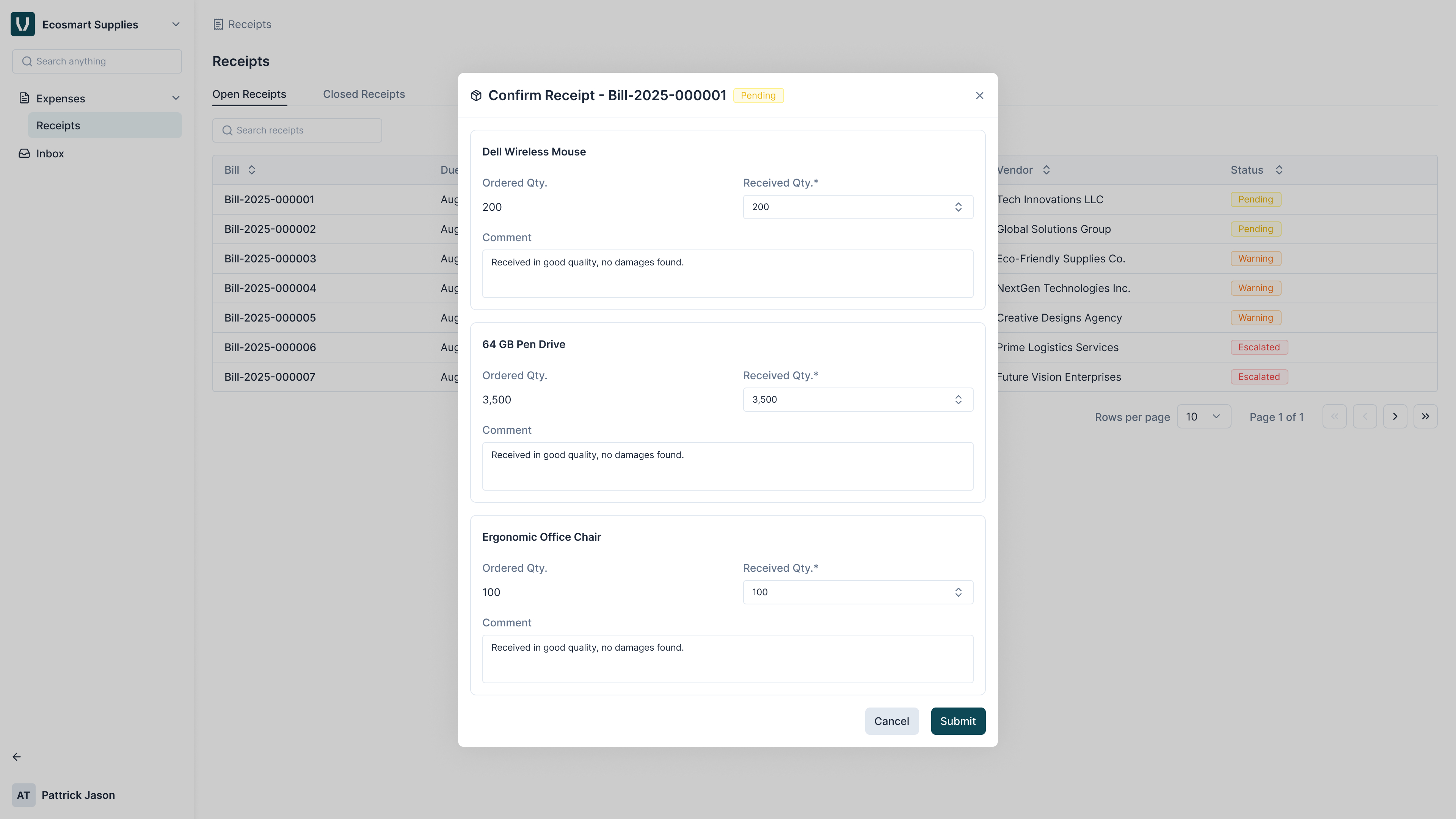
Assigning Goods Confirmation From the Matching Screen , members can assign a Lite User to confirm whether the goods mentioned in the bill have been received.
Lite User Page The Lite User receives tasks in their dashboard, which is divided into two main tabs:
- Open Tasks - Shows all pending goods confirmation requests.
- These tasks require the Lite User to review the bill details and confirm whether the goods have been received.
- Closed Tasks - Shows tasks that are either completed or revoked.
- Confirmed: The Lite User successfully confirmed goods receipt.
- Revoked: The task was either reassigned to another Lite User or automatically closed because the bill moved to the next stage of approval without confirmation.
Revoke Status Details : The Revoked status helps members track tasks that were not confirmed by the Lite User. This ensures visibility on which bills proceeded to approval without goods confirmation.